If you’ve been following this series, you already know how to build solid CDS view foundations, apply architectural layering, tune performance, and lock things down with access control and DCL. Now it’s time to complete the picture: consumption views, OData exposure, and how CDS views power real Fiori applications in SAP S/4HANA.
This is where theory meets the user. And trust me—this is also where a lot of projects quietly fall apart. I’ve seen teams build beautifully structured CDS hierarchies only to expose a raw composite view directly as OData, bypass the consumption layer entirely, and end up with an unmaintainable mess six months later. Let’s make sure that doesn’t happen to you.
Why the Consumption Layer Matters More Than You Think
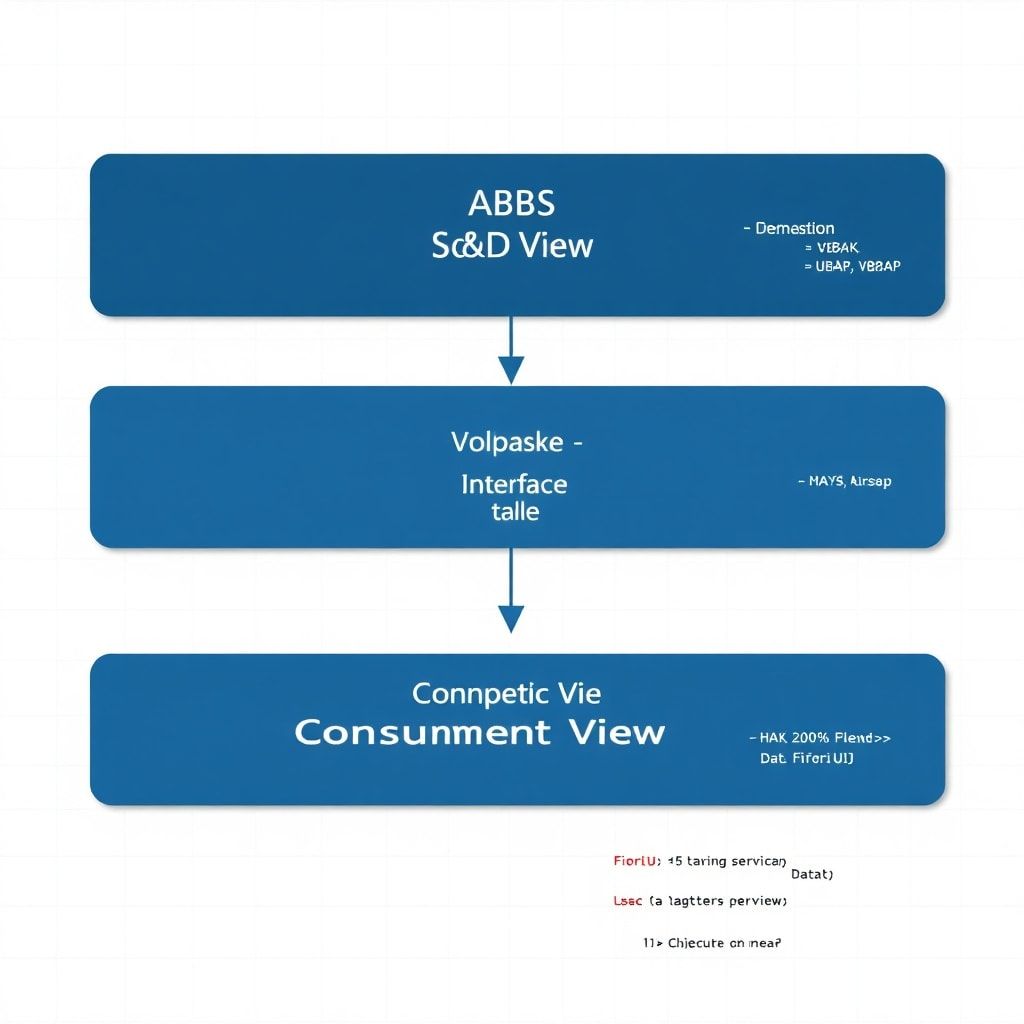
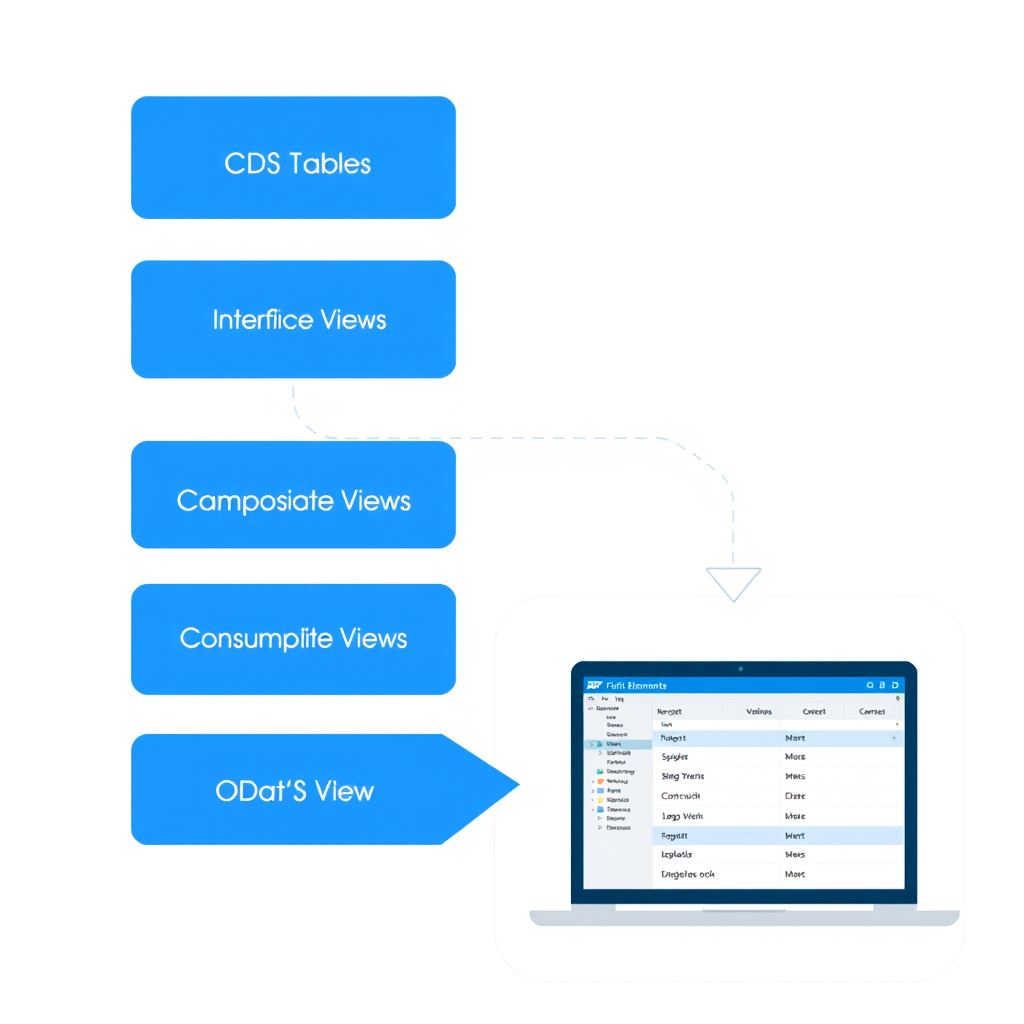
Let me give you a mental model I use with my teams. Think of CDS views like a layered cake:
- Basic Interface Views — raw data access, close to tables
- Composite Views — joins, aggregations, business logic
- Consumption Views — shaped specifically for a UI or API consumer
The consumption layer is not just a naming convention. It’s an architectural contract between your data model and your consumers. When you expose a composite view directly, you tightly couple UI requirements with data modeling concerns. The moment the Fiori app needs a different field label, a currency conversion, or a unit of measure annotation, you’re modifying a shared view that potentially impacts other consumers.
Consumption views give you that buffer. They’re the place where you apply UI-specific annotations, shape the projection, handle value helps, and set up OData exposure—without polluting the layers below.
Anatomy of a Consumption View
Let’s start with a concrete example. Suppose you have a composite view ZC_SalesOrderComposite that already joins order headers, items, and customer data. Your Fiori List Report needs to consume this, but it requires specific UI annotations and a focused field projection.
Here’s how a well-structured consumption view looks:
@AbapCatalog.viewEnhancementCategory: [#NONE]
@AccessControl.authorizationCheck: #CHECK
@EndUserText.label: 'Sales Order Consumption View'
@Metadata.ignorePropagatedAnnotations: true

@UI.headerInfo: {
  typeName: 'Sales Order',
  typeNamePlural: 'Sales Orders',
  title: { type: #STANDARD, value: 'SalesOrder' },
  description: { type: #STANDARD, value: 'CustomerName' }
}

@OData.publish: true

define view entity ZC_SalesOrderUI
  as select from ZC_SalesOrderComposite
{
      @UI.facet: [{
        id: 'HeaderFacet',
        type: #COLLECTION,
        label: 'General Information',
        position: 10
      }]

      @UI.lineItem: [{ position: 10, importance: #HIGH }]
      @UI.selectionField: [{ position: 10 }]
      @UI.identification: [{ position: 10 }]
  key SalesOrder,

      @UI.lineItem: [{ position: 20, importance: #HIGH }]
      @UI.selectionField: [{ position: 20 }]
      CustomerName,

      @UI.lineItem: [{ position: 30, importance: #MEDIUM }]
      @Semantics.amount.currencyCode: 'Currency'
      NetAmount,

      @Semantics.currencyCode: true
      @UI.hidden: true
      Currency,

      @UI.lineItem: [{ position: 40, importance: #MEDIUM }]
      @UI.selectionField: [{ position: 30 }]
      OrderDate,

      @UI.lineItem: [{ position: 50, label: 'Status' }]
      OverallStatus
}
A few things worth pointing out here:
@Metadata.ignorePropagatedAnnotations: true— this is important. It prevents annotations from the underlying composite view from leaking into your UI layer unexpectedly. Always be intentional about what annotations reach the consumer.@OData.publish: true— the simplest way to expose the view as OData V2. For more control, use RAP-based service binding instead (more on this shortly).- Currency and amount semantics are handled here, not in the composite view. That’s the right place for it.
OData Exposure: Two Approaches and When to Use Each
You have two main routes to expose CDS views as OData services in S/4HANA, and choosing the wrong one will cost you later.
Approach 1: @OData.publish: true (Classic, Quick)
This annotation generates an OData V2 service automatically. It’s fast to set up and works well for simple reporting scenarios or read-only Fiori List Reports.
When to use it:
- Read-only analytical views
- Quick prototyping
- Legacy Fiori apps or SAP-delivered app extensions
When NOT to use it:
- You need transactional capabilities (create, update, delete)
- You need OData V4
- You need custom actions or function imports beyond basic CRUD
- You want full lifecycle control over the service
Approach 2: RAP-Based Service Binding (Modern, Recommended)
If you haven’t read the RAP series articles on this blog, I’d strongly recommend starting with the RAP Senior Architect’s Guide to Building Modern Fiori Apps. RAP gives you full control over the OData service lifecycle, supports both V2 and V4, and is the strategic direction SAP is heading.
The key components in a RAP-based CDS exposure:
- Business Object (BO) View — your consumption view acts as the projection view
- Behavior Definition (BDEF) — defines what operations are supported
- Service Definition — maps views to service entities
- Service Binding — binds the service to a protocol (OData V2/V4) and usage type (UI, API)
Here’s a minimal service definition example:
@EndUserText.label: 'Sales Order Service Definition'
define service ZUI_SalesOrder_O4 {
  expose ZC_SalesOrderUI as SalesOrder;
}
And a read-only behavior definition to go with it:
// Behavior Definition for ZC_SalesOrderUI
managed implementation in class zbp_c_salesorderui unique;
strict ( 2 );

define behavior for ZC_SalesOrderUI alias SalesOrder
lock master
authorization master ( instance )
{
  // Read-only for now
  create;
  update;
  delete;

  field ( readonly ) SalesOrder;

  determination setDefaultCurrency on modify { create; }
  validation checkNetAmount on save { create; update; }
}
Once your service binding is activated in Eclipse ADT, you can launch a Fiori preview directly—this is one of my favorite productivity boosts in the modern ABAP development workflow.
Value Helps in Consumption Views
One of the most common pain points I see is teams not knowing where to attach value help (search help) definitions. The answer is: always at the consumption layer.
You define value helps using the @Consumption.valueHelpDefinition annotation:
@Consumption.valueHelpDefinition: [{
  entity: {
    name: 'ZI_CustomerVH',
    element: 'Customer'
  }
}]
CustomerID,
The value help entity ZI_CustomerVH should itself be a CDS view designed specifically for that purpose—lean, fast, with only the fields needed for the search dialog. Don’t reuse your composite customer view for value helps; it’s almost certainly doing too much.
Here’s a minimal value help view:
@EndUserText.label: 'Customer Value Help'
@ObjectModel.dataCategory: #VALUE_HELP

define view entity ZI_CustomerVH
  as select from kna1
{
  key kunnr as Customer,
      name1 as CustomerName,
      land1 as Country
}
where
  loevm = ''
Simple, purposeful, and fast. That’s the standard you should hold value help views to.
Fiori Elements and CDS Annotation-Driven UI
One of the most powerful aspects of the CDS + Fiori Elements combination is that annotations drive the UI. You’re not writing JavaScript or TypeScript UI code for standard patterns—you’re configuring the UI through metadata annotations in your CDS consumption view.
Here are the annotation namespaces you’ll use most often:
| Namespace | Purpose | Common Usage |
|---|---|---|
@UI |
UI layout and field positioning | lineItem, selectionField, facet, headerInfo |
@Semantics |
Field semantic types | amount, quantity, currencyCode, unitOfMeasure |
@Consumption |
Consumer-specific behavior | valueHelpDefinition, filter |
@ObjectModel |
Object model metadata | dataCategory, usageType, representativeKey |
One pattern I use consistently: annotate aggressively at the consumption layer, and annotate nothing UI-related below it. This discipline keeps your interface and composite views reusable across different UIs and APIs that might have completely different layout requirements.
Common Mistakes and How to Avoid Them
After reviewing dozens of CDS-based Fiori projects, these are the patterns I see going wrong repeatedly:
Mistake 1: Exposing Composite Views Directly as OData
This skips the consumption layer entirely. As I mentioned earlier, this tightly couples your data model to UI requirements. Create a dedicated consumption view—even if it initially looks like a simple projection. You’ll thank yourself later.
Mistake 2: Putting UI Annotations on Interface Views
Interface views are shared foundations. Putting @UI.lineItem annotations on them means every consumer inherits those positioning decisions. Use @Metadata.ignorePropagatedAnnotations: true on your consumption views and own your annotation strategy explicitly.
Mistake 3: Missing Currency/Unit Semantics
Fiori Elements uses @Semantics.amount.currencyCode and @Semantics.quantity.unitOfMeasure to render amounts and quantities correctly. Missing these results in raw numbers with no formatting. Always pair amount fields with their currency code fields, even if you mark the code field as @UI.hidden: true.
Mistake 4: One Service Definition for Everything
Don’t cram all your entities into a single service definition. Group related entities by business domain and create separate service definitions. This improves maintainability and allows independent versioning of services.
Mistake 5: Ignoring Access Control at the Consumption Layer
Even if your interface and composite views have @AccessControl.authorizationCheck: #CHECK, your consumption view needs its own DCL. Refer to the CDS Views Series Part 4 on Access Control and DCL to make sure your authorization layering is solid end-to-end.
Metadata Extensions: Separating Annotations from View Logic
Here’s a pattern that significantly improves maintainability on larger projects: metadata extensions. Instead of embedding all your UI annotations directly in the consumption view, you can externalize them into a separate metadata extension object.
@Metadata.layer: #CORE
annotate view ZC_SalesOrderUI with
{
  @UI.lineItem: [{ position: 10, importance: #HIGH }]
  @UI.selectionField: [{ position: 10 }]
  SalesOrder;

  @UI.lineItem: [{ position: 20 }]
  CustomerName;

  @UI.lineItem: [{ position: 30 }]
  NetAmount;
}
Metadata extensions are particularly powerful in SAP-delivered content scenarios, where you use @Metadata.layer: #CUSTOMER to extend SAP standard apps without modifying delivered objects. But even in custom development, they help keep your view DDL clean and focused on data concerns, while annotation concerns live separately.
Testing Your OData Service
Before handing off to the Fiori team, validate your OData service properly. Here’s my standard checklist:
- Gateway Client (/IWFND/GW_CLIENT) — test all entity set reads, check response payloads, verify field names match expectations
- Fiori Preview in ADT — activate the service binding and launch the preview to check list report rendering and selection fields
- $metadata document — review the generated metadata to confirm annotations are propagated correctly (especially currency and UoM semantics)
- Authorization testing — test with a restricted user to confirm DCL rules are enforced at the consumption layer
- Performance check — use ST05 or SAT to trace the SQL generated by the CDS view when accessed through OData. Unexpected full table scans here are a red flag. For deeper guidance, see the SAP ABAP Performance Optimization guide.
Key Takeaways
- The consumption layer is an architectural boundary—treat it as one, not as a convenience wrapper
- Use RAP-based service binding for any new development;
@OData.publish: trueis for legacy and quick reads only - Manage annotations intentionally: own your annotation strategy at the consumption layer, suppress propagation from below
- Value help views should be lean, purpose-built, and never reused from composite views
- Metadata extensions give you a clean separation between data modeling and UI configuration concerns
- Always test your OData service end-to-end before Fiori integration—don’t leave surprises for the front-end team
What’s Next in the Series
We’ve now covered the full CDS view architecture from basic interface views through to UI consumption and OData exposure. In the next installment, we’ll go deeper into CDS-based analytical reporting—cube views, dimension views, and how to feed SAP Embedded Analytics and SAP Analytics Cloud with purpose-built CDS analytical models. That’s where CDS views get truly powerful for business intelligence use cases.
If you haven’t read the earlier parts of this series, start with Part 1 on foundational concepts, then move through architectural layers, performance optimization, and access control with DCL before diving into consumption views.
Over to You
How are you structuring your CDS consumption layer in your current project? Are you using RAP-based service binding or still on @OData.publish? Drop your experience in the comments—I read every one and often find the best edge cases come from real project war stories. If this helped you, share it with your team. These are exactly the patterns that prevent expensive architectural mistakes down the road.