If you’ve been in the SAP integration space for more than a few years, you’ve watched the landscape shift dramatically. We went from RFC calls and BAPIs to IDocs, then REST and OData—and now we’re firmly in the era of API-led connectivity on SAP BTP Integration Suite. Having architected integrations for Fortune 500 companies running S/4HANA landscapes, I can tell you: the organizations that get this right don’t just connect systems faster—they build a connectivity backbone that actually survives team turnover, cloud migrations, and business pivots.
In this article, I’ll walk you through how to architect enterprise-grade integrations using SAP BTP Integration Suite, covering API management strategy, Integration Flow design patterns, and the governance model that keeps everything from turning into spaghetti six months down the road.
Why API-Led Connectivity Changes Everything
The old model was point-to-point. System A calls System B. It works—until you have 15 systems and 90 direct connections to maintain. I’ve walked into organizations with exactly that problem, and the result is always the same: nobody dares touch anything because everything is connected to everything else in invisible ways.
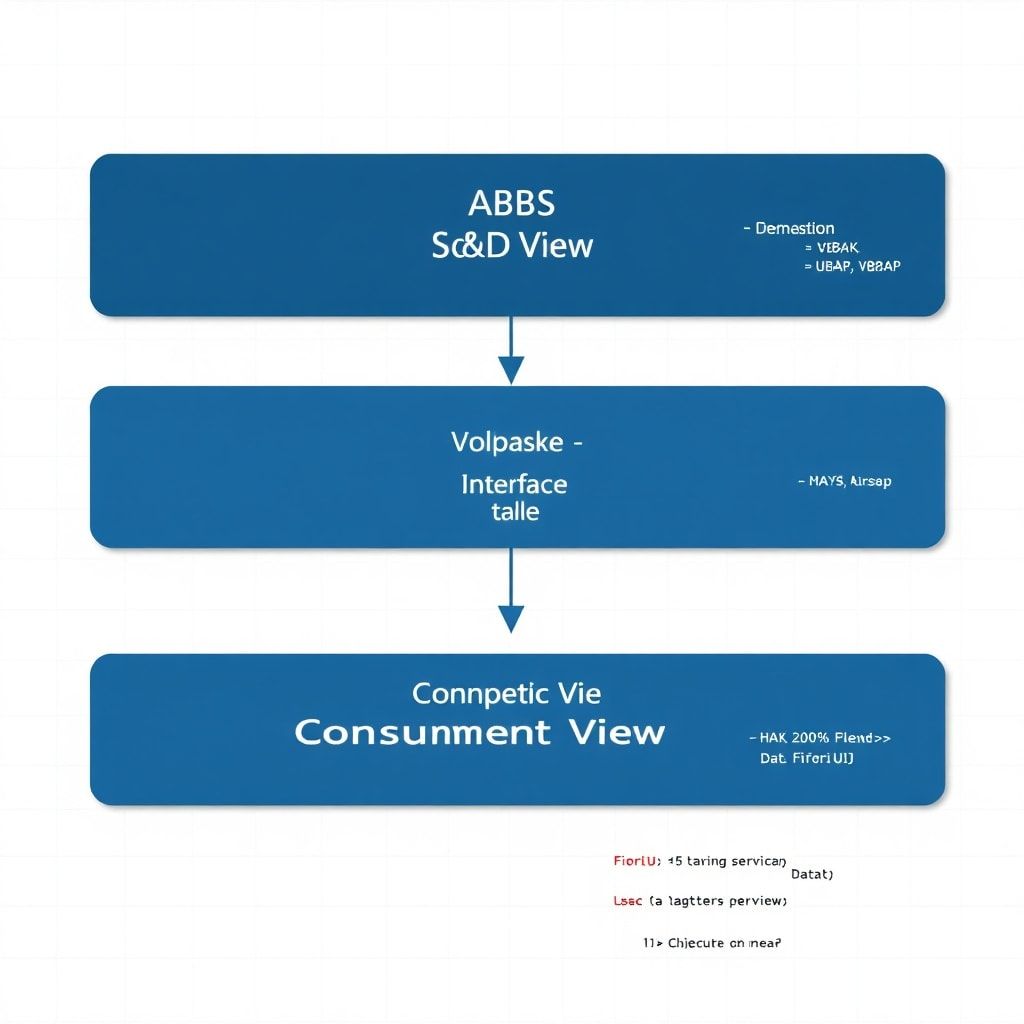
API-led connectivity breaks this cycle by introducing three clear layers:
- System APIs: Expose raw capabilities of a single backend system (e.g., your S/4HANA sales order API)
- Process APIs: Orchestrate multiple system APIs to implement a business process (e.g., order-to-cash)
- Experience APIs: Tailored APIs for specific consumers—mobile apps, portals, partner systems
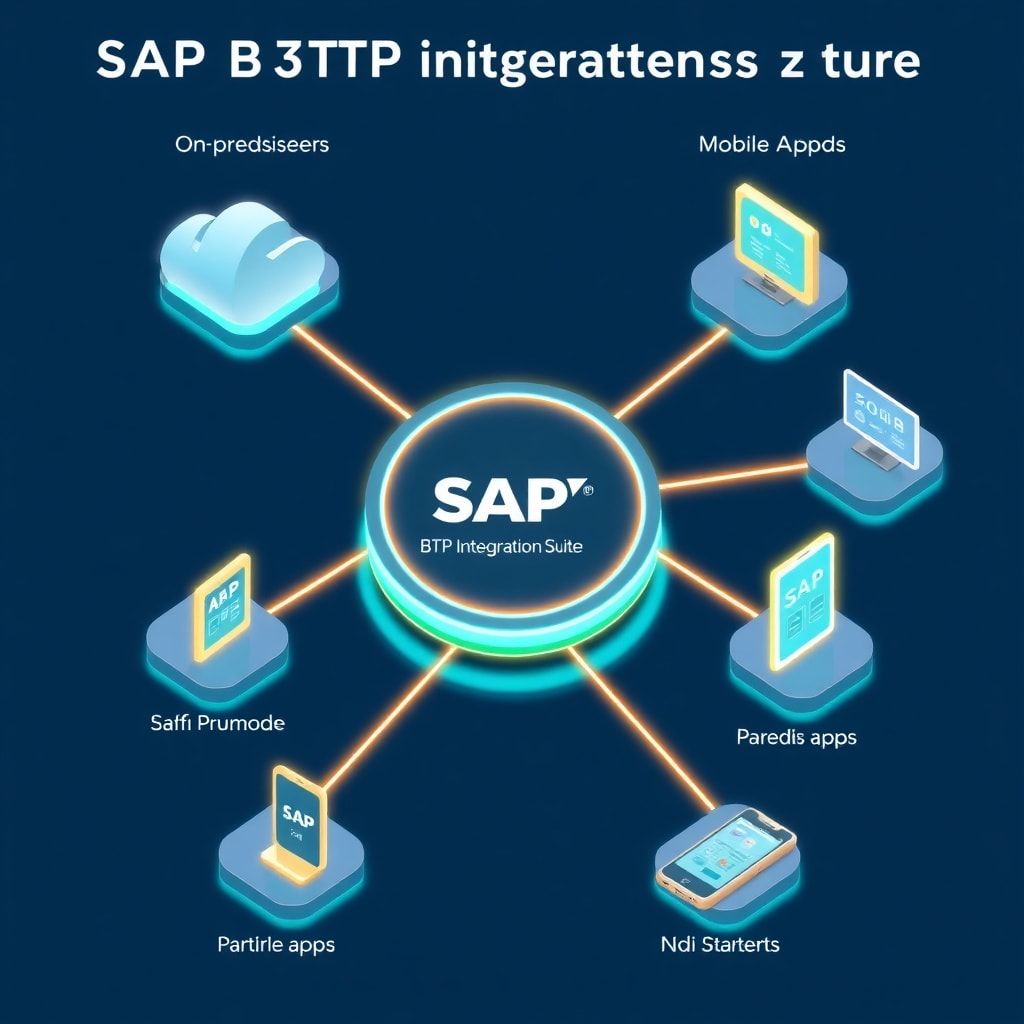
SAP BTP Integration Suite maps beautifully to this model. The API Management capability handles the experience and process layers, while Cloud Integration (CPI) handles the orchestration and mediation logic. Understanding which tool does what is the first architectural decision you need to nail.
Pro tip from the field: I’ve seen teams use CPI when they should be using API Management and vice versa. CPI is for transformation and orchestration logic. API Management is for policies—security, rate limiting, traffic shaping. Don’t conflate them.
Setting Up Your Integration Suite Tenant: Architecture Decisions First
Before you write a single Integration Flow (iFlow), you need to answer three architectural questions. Skip these, and you’ll be refactoring in production—which is as painful as it sounds.
1. Multi-Tenant or Single-Tenant Runtime?
SAP BTP Integration Suite offers both a shared cloud infrastructure and dedicated (edge integration cell) deployment. For most enterprises, the multi-tenant managed cloud is the right starting point. But if you’re handling sensitive financial data with strict data residency requirements, the Edge Integration Cell—deployed on your own Kubernetes cluster—gives you cloud-managed tooling with on-premises data processing.
My rule of thumb: start with the managed cloud, document your compliance requirements, and let those requirements drive the edge cell decision. Don’t over-engineer upfront.
2. How Will You Structure Your Integration Packages?
CPI organizes iFlows into packages. A common mistake is creating one package per project or one per developer. What you actually want is domain-driven packaging:
CORE_MASTER_DATA— Material, customer, vendor replication flowsCORE_PROCUREMENT— Purchase order, goods receipt, invoice flowsCORE_SALES— Sales order, delivery, billing flowsEXT_PARTNER_[PartnerName]— Partner-specific integrations
This structure makes transport, governance, and monitoring manageable. It also aligns with how your SAP basis team will want to handle lifecycle management.
3. Secret and Credential Management Strategy
Hardcoded credentials in iFlows are a career-limiting move. SAP BTP Integration Suite provides a Security Material store where you manage credentials, OAuth tokens, and PGP keys. Complement this with SAP BTP Credential Store for application-level secrets. Define naming conventions early:
Format: [SOURCE]_[TARGET]_[AUTH_TYPE]
Example: S4H_SFDC_OAUTH_CLIENT
         ECC_LEGACY_BASICAUTH
         BTP_AZURE_CERT
Consistency here will save your operations team hours of debugging when a credential expires at 2 AM.
Designing Robust Integration Flows: Patterns That Scale
Let me share the iFlow patterns I return to again and again in enterprise contexts.
Pattern 1: The Canonical Data Model Router
When multiple source systems send variations of the same business object (say, a “Product” from SAP, Salesforce, and a legacy ERP), you need a canonical model. The pattern looks like this:
<!-- Simplified CPI Groovy Script for canonical transformation -->
import com.sap.gateway.ip.core.customdev.util.Message
import groovy.json.JsonSlurper
import groovy.json.JsonOutput

def Message processData(Message message) {
    def body = message.getBody(String.class)
    def slurper = new JsonSlurper()
    def payload = slurper.parseText(body)

    // Detect source system from header
    def sourceSystem = message.getHeaders().get("source_system")

    def canonicalProduct = [:]

    switch(sourceSystem) {
        case "S4HANA":
            canonicalProduct = [
                productId   : payload.Material,
                description : payload.MaterialDescription,
                baseUnit    : payload.BaseUnit,
                productGroup: payload.MaterialGroup,
                source      : "S4HANA"
            ]
            break
        case "SALESFORCE":
            canonicalProduct = [
                productId   : payload.ProductCode,
                description : payload.Name,
                baseUnit    : payload.QuantityUnitOfMeasure,
                productGroup: payload.Family,
                source      : "SALESFORCE"
            ]
            break
        default:
            throw new Exception("Unknown source system: ${sourceSystem}")
    }

    message.setBody(JsonOutput.toJson(canonicalProduct))
    return message
}
The key insight here: your canonical model is a contract. Treat it like a public API—version it, document it, and don’t change it without a migration plan.
Pattern 2: Idempotent Message Processing
In distributed systems, messages get delivered more than once. Always. Network retries, timeout scenarios, manual reruns—they all create duplicate processing risk. CPI provides an Idempotent Process Call step that uses a message ID to detect and skip duplicates within a configurable time window.
Here’s how to implement it properly in your iFlow:
- Extract a natural business key from the incoming message (e.g., purchase order number + change timestamp)
- Hash it to create a deterministic message ID:
SHA-256(PO_NUMBER + CHANGE_TIMESTAMP) - Set this as the
SapMessageIdExheader before your Idempotent Process Call step - Configure retention period to match your retry window (typically 24-48 hours for batch-like scenarios)
// Groovy script to generate deterministic message ID
import com.sap.gateway.ip.core.customdev.util.Message
import java.security.MessageDigest

def Message generateIdempotentKey(Message message) {
    def headers = message.getHeaders()
    def poNumber   = headers.get("PONumber")  ?: "UNKNOWN"
    def changeTs   = headers.get("ChangeTimestamp") ?: System.currentTimeMillis().toString()

    def rawKey = "${poNumber}_${changeTs}"

    // SHA-256 hash for deterministic, collision-resistant ID
    def digest = MessageDigest.getInstance("SHA-256")
    def hashBytes = digest.digest(rawKey.bytes)
    def messageId = hashBytes.encodeHex().toString()

    message.setHeader("SapMessageIdEx", messageId)
    message.setHeader("idempotentKey", rawKey)  // For logging

    return message
}
Pattern 3: Dead Letter Queue with Alerting
Every enterprise integration needs a dead letter strategy. In CPI, this means using the Exception Subprocess combined with a dedicated error-handling iFlow. Don’t just log errors to the CPI monitoring console—push them to a queue (via the same SAP BTP Event Mesh infrastructure discussed in SAP BTP Event Mesh: Building Resilient Integrations That Actually Scale) and trigger an alert to your operations team.
The architecture looks like this:
Main iFlow
  └─> Process Step
       └─> Exception Subprocess
            ├─> Log error details (Groovy)
            ├─> Enrich message with error context
            └─> Publish to DLQ topic on Event Mesh
                 └─> Monitoring iFlow subscribes
                      └─> Send alert (email / Teams / ServiceNow ticket)
API Management: Governance Layer That Actually Works
Your iFlows are now solid. But without an API Management layer, you’re still exposing raw integration endpoints to consumers—no rate limiting, no security enforcement, no analytics. This is where SAP API Management (part of Integration Suite) steps in.
API Product Design
In SAP API Management, you don’t expose APIs directly—you expose API Products. An API Product bundles one or more APIs with a quota plan and access control policy. This separation is critical for governance:
| API Product | Included APIs | Quota Plan | Consumer Segment |
|---|---|---|---|
| Partner-Basic | Product API, Inventory API | 1000 calls/day | External partners |
| Partner-Premium | All Partner-Basic + Order API | 10000 calls/day | Strategic partners |
| Internal-Full | All APIs | Unlimited | Internal SAP applications |
Essential API Policies You Should Always Apply
SAP API Management uses policy XML similar to Apigee. Here are the non-negotiables for every API you publish:
<!-- Verify API Key Policy -->
<VerifyAPIKey async="false" continueOnError="false" enabled="true">
    <APIKey ref="request.header.x-api-key"/>
</VerifyAPIKey>

<!-- Rate Limiting - Spike Arrest -->
<SpikeArrest async="false" continueOnError="false" enabled="true">
    <Rate>100pm</Rate>  <!-- 100 requests per minute -->
    <Identifier ref="request.header.x-api-key"/>
</SpikeArrest>

<!-- Quota Policy -->
<Quota async="false" continueOnError="false" enabled="true" type="calendar">
    <Allow count="1000" countRef="verifyapikey.VerifyAPIKey.apiproduct.developer.quota.limit"/>
    <Interval ref="verifyapikey.VerifyAPIKey.apiproduct.developer.quota.interval"/>
    <TimeUnit ref="verifyapikey.VerifyAPIKey.apiproduct.developer.quota.timeunit"/>
    <Identifier ref="request.header.x-api-key"/>
    <StartTime>2024-01-01 00:00:00</StartTime>
</Quota>

<!-- Remove internal headers before forwarding -->
<AssignMessage async="false" continueOnError="false" enabled="true">
    <Remove>
        <Headers>
            <Header name="x-api-key"/>
            <Header name="Authorization"/>
        </Headers>
    </Remove>
    <IgnoreUnresolvedVariables>false</IgnoreUnresolvedVariables>
    <AssignTo createNew="false" type="request"/>
</AssignMessage>
Notice the last policy—always strip consumer-facing authentication headers before they reach your backend. Your S/4HANA system doesn’t need to know which API key your partner used.
Monitoring and Observability: The Operational Reality
An integration platform without proper observability is a black box. When something goes wrong at midnight before a month-end close, your team needs answers fast. Here’s the monitoring stack I recommend for BTP Integration Suite deployments:
Layer 1: CPI Built-in Monitoring
Use the Operations view in CPI for real-time message status. Configure alert rules for failed messages in specific packages. Set up automatic retry with exponential backoff for transient errors.
Layer 2: SAP Cloud ALM Integration
SAP Cloud ALM provides end-to-end business process monitoring. Map your integration flows to business processes in Cloud ALM so that when a sales order replication fails, it shows up as a business process health issue—not just a technical error—giving business stakeholders meaningful visibility.
Layer 3: Custom Audit Logging
For compliance-sensitive integrations (financial data, HR data), implement custom audit logs using the SAP Audit Log Service. Log who triggered what, when, with what payload hash. This is non-negotiable in regulated industries.
Common Mistakes I See Architects Make
Let me save you some pain with a list of anti-patterns I encounter regularly:
- Overloading a single iFlow: One iFlow should do one thing. If your iFlow has 40 steps, it needs to be split. Complexity is the enemy of maintainability—principles that apply equally to clean ABAP code (see ABAP Clean Code: 10 Golden Rules for Readable and Maintainable SAP Code).
- Skipping API versioning: Always version your APIs from day one.
/v1/ordersvs/v2/orders. When you need to break compatibility,/v1keeps working for existing consumers while you migrate them at your pace. - Ignoring message size limits: CPI has a default message size limit. Large payloads (file transfers, batch data) should use streaming or chunking patterns—not standard message processing.
- No environment strategy: DEV → QA → PROD transport automation is essential. Use CPI’s transport management APIs or integrate with SAP Cloud Transport Management Service from the beginning.
What to Build First: A Pragmatic Roadmap
If you’re setting up BTP Integration Suite for the first time, here’s the sequence I recommend:
- Week 1-2: Establish tenant, configure secure connectivity (Cloud Connector setup, credential store), define package naming conventions
- Week 3-4: Build your first System API—pick a high-value, low-complexity integration (master data replication is usually ideal)
- Week 5-6: Wrap it in API Management, configure basic policies, publish to Developer Portal
- Week 7-8: Establish monitoring, alerting, and transport automation
- Month 3+: Expand to process APIs, introduce event-driven patterns where real-time responsiveness is needed
Don’t try to build everything at once. Integration platforms succeed incrementally.
Conclusion: Integration Architecture Is a Strategic Asset
SAP BTP Integration Suite is genuinely powerful—but like any powerful tool, it rewards thoughtful architecture and punishes ad-hoc implementation. The organizations I’ve seen get the most value from it are the ones that treated their integration layer as a product, not a project. They maintained architectural standards, invested in observability, and governed API access from day one.
The patterns I’ve shared here—canonical data models, idempotent processing, API products with proper governance—aren’t theoretical constructs. They’re the result of hard lessons learned in production environments processing millions of messages daily.
Start with the fundamentals, resist the urge to over-engineer, and build incrementally. Your future self—and your operations team—will thank you.
What integration challenges are you currently facing in your SAP BTP landscape? Drop your questions or experiences in the comments below. If you found this guide useful, share it with your team—these architectural decisions are almost always better made collaboratively.