If you’ve been building SAP applications for more than a few years, you’ve probably felt the tension between the old way — classical DYNPRO screens, BAPIs, and function modules — and the modern world demanding Fiori apps, mobile-ready APIs, and cloud-native architectures. The ABAP RESTful Application Programming Model (RAP) is SAP’s answer to that tension, and in my experience, it’s the most significant shift in ABAP development since the introduction of ABAP Objects. If you’re not building new developments with RAP today, you’re accumulating technical debt before you even write the first line of code.
In this guide, I’ll walk you through what RAP actually is, why it matters architecturally, and how to get a real, working application running — complete with code examples that reflect patterns I’ve used on actual customer projects.
What Is the ABAP RESTful Application Programming Model?
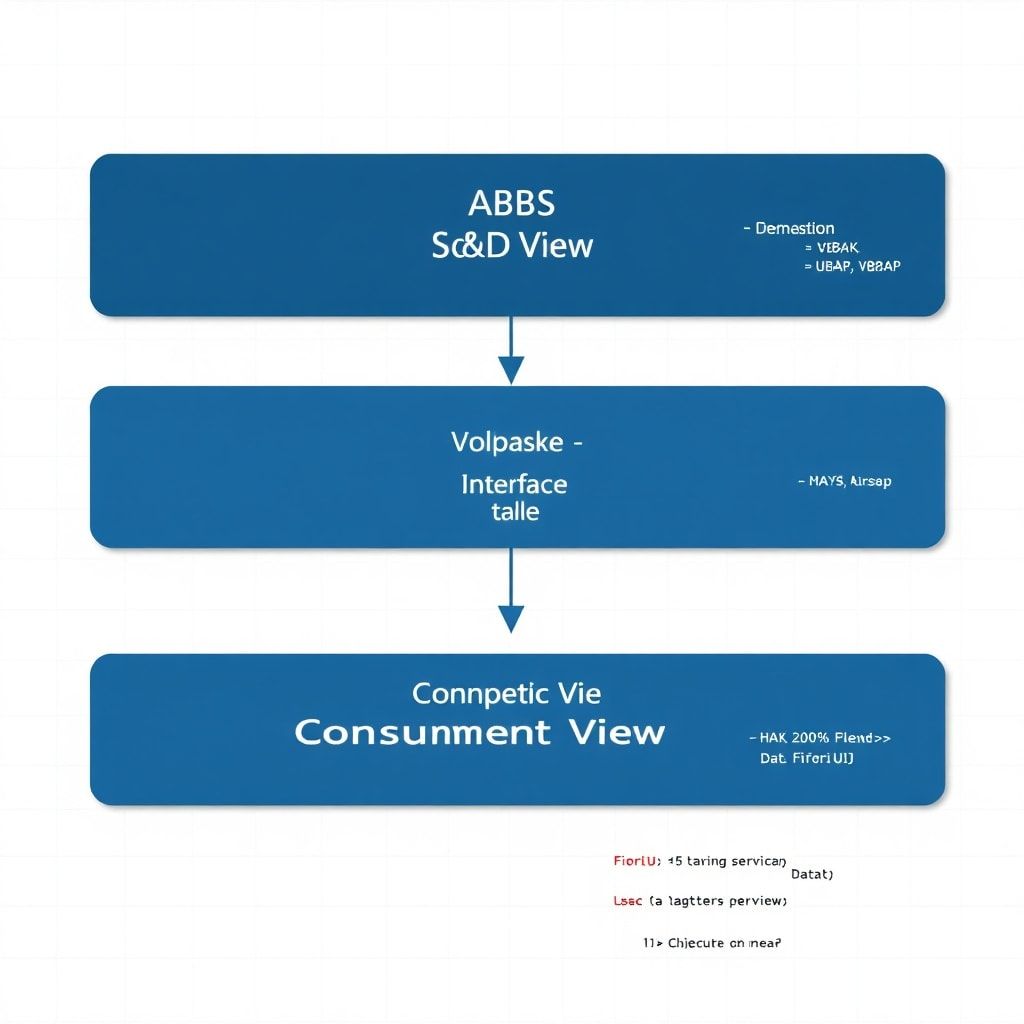
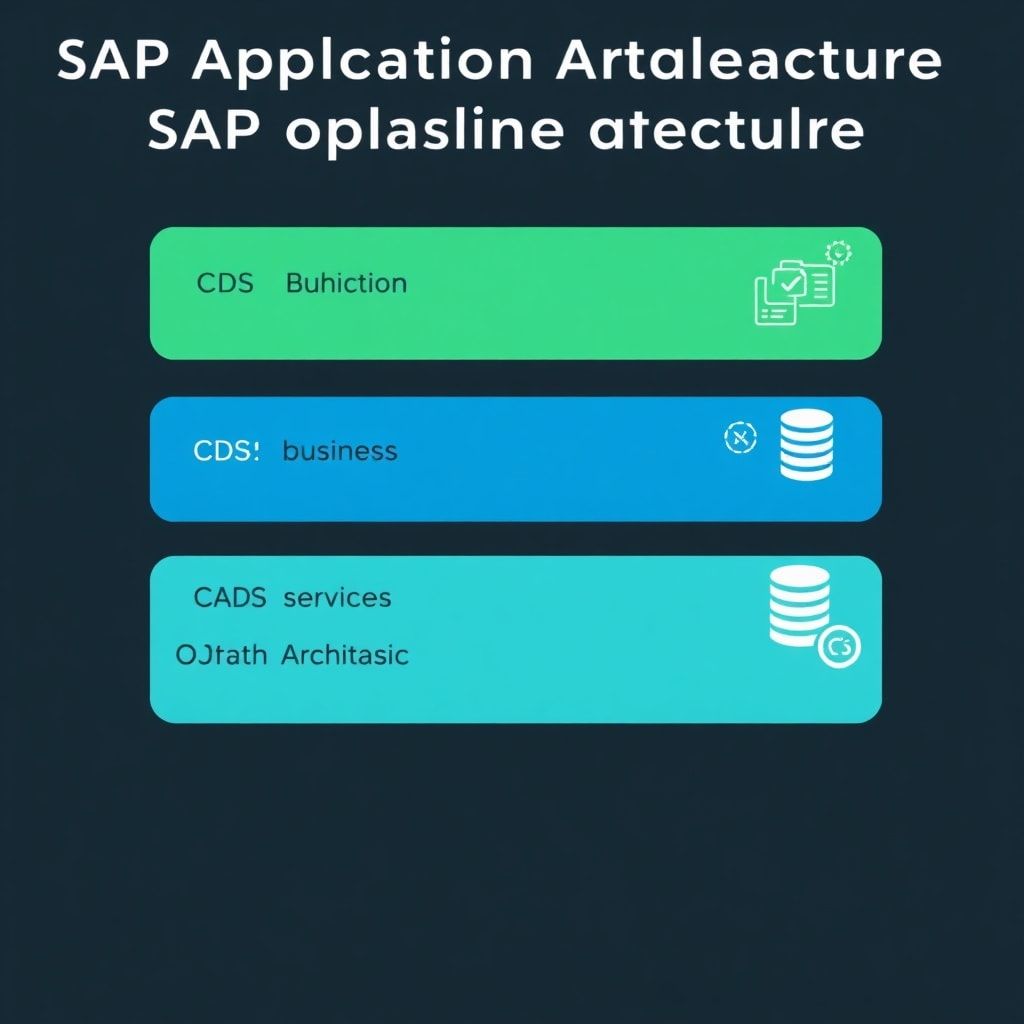
RAP is a framework for building OData-based services on SAP S/4HANA and SAP BTP ABAP Environment. It gives you a standardized, layered programming model that covers everything from data modeling to business logic to service exposure. Think of it as the architectural blueprint that connects CDS Views at the data layer all the way up to the Fiori UI layer.
The three core layers of RAP are:
- Data Modeling Layer — CDS Views define your entities, associations, and projections
- Business Logic Layer — Behavior Definitions and Behavior Implementations handle CRUD operations, validations, determinations, and actions
- Service Exposure Layer — Service Definitions and Service Bindings expose your model as OData V2 or V4 services
If you’ve been following our CDS Views series on this site, you already have a head start. The data modeling layer in RAP is built entirely on CDS foundations — which is why understanding CDS architecture before jumping into RAP is so important.
Internal Reference: Before diving into RAP behavior implementations, make sure you’re comfortable with CDS layered architecture. Our CDS Views Series — Part 2: Architecture Layers covers the foundation you’ll need here.
Managed vs. Unmanaged RAP: Choosing the Right Implementation Style
One of the first architectural decisions you’ll make in any RAP project is whether to use managed or unmanaged implementation. This choice has significant downstream consequences, so let’s be precise about it.
Managed Implementation
In managed RAP, the framework handles the standard CRUD operations for you. You define your behavior in a Behavior Definition (BDEF) file and the RAP runtime takes care of creating, updating, and deleting records. This is the right choice for most greenfield development on S/4HANA where you have direct database table access.
When to use managed:
- New custom Z-objects with dedicated database tables
- Simple to moderately complex business entities
- When you want to leverage the RAP framework’s lock management and draft handling automatically
Unmanaged Implementation
Unmanaged gives you full control over every CRUD operation. You implement the save sequence yourself — create, update, delete, and save methods all need explicit implementation. This is necessary when you’re wrapping existing BAPIs, legacy function modules, or complex multi-table scenarios.
When to use unmanaged:
- Wrapping existing BAPI-based logic you can’t refactor
- Complex persistence scenarios spanning multiple tables
- When your business logic predates S/4HANA and you’re building a modern frontend on top of a stable backend
My rule of thumb: start managed, switch to unmanaged only when the managed framework genuinely gets in your way. I’ve seen teams default to unmanaged out of familiarity with the old way of doing things — and then spend weeks reimplementing what the framework would have given them for free.
Building Your First RAP Application: Step-by-Step
Let’s build a minimal but realistic example — a custom Service Order Management object. This is a common requirement in many SAP projects and demonstrates the full RAP stack without unnecessary complexity.
Step 1: Create the Database Table
@EndUserText.label : 'Service Order Table'
@AbapCatalog.enhancement.category : #NOT_EXTENSIBLE
@AbapCatalog.tableCategory : #TRANSPARENT
@AbapCatalog.deliveryClass : #A
@AbapCatalog.dataMaintenance : #RESTRICTED
define table zsrv_order {
  key client            : abap.clnt not null;
  key order_uuid        : sysuuid_x16 not null;
  order_id              : abap.char(20);
  customer_id           : abap.char(10);
  order_status          : abap.char(2);
  description           : abap.char(255);
  created_by            : abp_creation_user;
  created_at            : abp_creation_tstmpl;
  last_changed_by       : abp_lastchange_user;
  last_changed_at       : abp_lastchange_tstmpl;
  local_last_changed_at : abp_locinst_lastchange_tstmpl;
}
Notice the administrative fields at the bottom — abp_creation_user, abp_lastchange_tstmpl, etc. These are RAP-specific domain types that enable automatic timestamp and user tracking. Don’t skip these; they’re required for managed implementations to work correctly.
Step 2: Create the Base CDS View (Interface View)
@AccessControl.authorizationCheck: #NOT_REQUIRED
@EndUserText.label: 'Service Order - Interface View'
define root view entity ZI_ServiceOrder
  as select from zsrv_order
{
  key order_uuid          as OrderUUID,
      order_id            as OrderId,
      customer_id         as CustomerId,
      order_status        as OrderStatus,
      description         as Description,
      @Semantics.user.createdBy: true
      created_by          as CreatedBy,
      @Semantics.systemDateTime.createdAt: true
      created_at          as CreatedAt,
      @Semantics.user.lastChangedBy: true
      last_changed_by     as LastChangedBy,
      @Semantics.systemDateTime.lastChangedAt: true
      last_changed_at     as LastChangedAt,
      @Semantics.systemDateTime.localInstanceLastChangedAt: true
      local_last_changed_at as LocalLastChangedAt
}
The semantic annotations on the administrative fields are not just documentation — the RAP framework reads them to implement optimistic locking and ETag handling automatically. This is exactly the kind of thing the framework gives you for free when you follow the conventions.
Step 3: Define the Behavior Definition (BDEF)
managed implementation in class zbp_i_serviceorder unique;
strict ( 2 );
with draft;

define behavior for ZI_ServiceOrder alias ServiceOrder
persistent table zsrv_order
draft table zsrv_order_d
etag master LocalLastChangedAt
lock master
authorization master ( instance )
{
  field ( readonly )
    OrderUUID,
    CreatedBy,
    CreatedAt,
    LastChangedBy,
    LastChangedAt,
    LocalLastChangedAt;

  field ( numbering : managed, readonly )
    OrderUUID;

  static action createWithDefaults result [1] $self;

  validation validateStatus on save { create; update; }

  determination setDefaultStatus on modify { create; }

  create;
  update;
  delete;

  draft action Edit;
  draft action Activate optimized;
  draft action Discard;
  draft action Resume;
  draft determine action Prepare;

  mapping for zsrv_order
  {
    OrderUUID          = order_uuid;
    OrderId            = order_id;
    CustomerId         = customer_id;
    OrderStatus        = order_status;
    Description        = description;
    CreatedBy          = created_by;
    CreatedAt          = created_at;
    LastChangedBy      = last_changed_by;
    LastChangedAt      = last_changed_at;
    LocalLastChangedAt = local_last_changed_at;
  }
}
Step 4: Implement the Behavior Class
CLASS zbp_i_serviceorder DEFINITION PUBLIC ABSTRACT FINAL
  FOR BEHAVIOR OF zi_serviceorder.
ENDCLASS.

CLASS zbp_i_serviceorder IMPLEMENTATION.
ENDCLASS.

"Global class — Local classes handle the implementation
"Local class for Validations:
CLASS lsc_zi_serviceorder DEFINITION INHERITING FROM cl_abap_behavior_saver.
  PROTECTED SECTION.
    METHODS save_modified  REDEFINITION.
    METHODS cleanup_finalize REDEFINITION.
ENDCLASS.

CLASS lhc_ServiceOrder DEFINITION INHERITING FROM cl_abap_behavior_handler.
  PRIVATE SECTION.
    METHODS validateStatus FOR VALIDATE ON SAVE
      IMPORTING keys FOR ServiceOrder~validateStatus.

    METHODS setDefaultStatus FOR DETERMINE ON MODIFY
      IMPORTING keys FOR ServiceOrder~setDefaultStatus.
ENDCLASS.

CLASS lhc_ServiceOrder IMPLEMENTATION.

  METHOD validateStatus.
    READ ENTITIES OF zi_serviceorder IN LOCAL MODE
      ENTITY ServiceOrder
        FIELDS ( OrderStatus )
        WITH CORRESPONDING #( keys )
      RESULT DATA(orders)
      FAILED DATA(read_failed).

    LOOP AT orders INTO DATA(order).
      IF order-OrderStatus IS INITIAL OR
         NOT order-OrderStatus IN VALUE #( ( sign = 'I' option = 'EQ' low = 'OP' )
                                           ( sign = 'I' option = 'EQ' low = 'IP' )
                                           ( sign = 'I' option = 'EQ' low = 'CL' ) ).
        APPEND VALUE #(
          %tky = order-%tky
          %state_area = 'VALIDATE_STATUS'
        ) TO failed-serviceorder.

        APPEND VALUE #(
          %tky       = order-%tky
          %state_area = 'VALIDATE_STATUS'
          %msg       = new_message_with_text(
                         severity = if_abap_behv_message=>severity-error
                         text     = 'Order Status must be OP, IP, or CL' )
          %element-OrderStatus = if_abap_behv=>mk-on
        ) TO reported-serviceorder.
      ENDIF.
    ENDLOOP.
  ENDMETHOD.

  METHOD setDefaultStatus.
    READ ENTITIES OF zi_serviceorder IN LOCAL MODE
      ENTITY ServiceOrder
        FIELDS ( OrderStatus )
        WITH CORRESPONDING #( keys )
      RESULT DATA(orders).

    DATA updates TYPE TABLE FOR UPDATE zi_serviceorder.

    LOOP AT orders INTO DATA(order).
      IF order-OrderStatus IS INITIAL.
        APPEND VALUE #(
          %tky          = order-%tky
          OrderStatus   = 'OP'
          %control-OrderStatus = if_abap_behv=>mk-on
        ) TO updates.
      ENDIF.
    ENDLOOP.

    IF updates IS NOT INITIAL.
      MODIFY ENTITIES OF zi_serviceorder IN LOCAL MODE
        ENTITY ServiceOrder
          UPDATE FIELDS ( OrderStatus )
          WITH updates
        REPORTED DATA(mod_reported).
    ENDIF.
  ENDMETHOD.

ENDCLASS.
This is where the real power of RAP becomes visible. The validateStatus method runs automatically before every save — you don’t need to wire it up manually anywhere. The framework calls it based on the BDEF declaration. The setDefaultStatus determination fires on create and sets a sensible default, keeping your data clean without burdening the UI layer.
Common RAP Mistakes I See in Real Projects
After working with RAP across multiple customer implementations, I keep seeing the same antipatterns. Let me save you the debugging time.
Mistake 1: Skipping the ETag Fields
Teams skip the LastChangedAt and LocalLastChangedAt fields because they seem like boilerplate. Without them, the RAP framework can’t manage optimistic locking properly, and you’ll get mysterious concurrency issues in production that are incredibly hard to reproduce in development.
Mistake 2: Business Logic in the Projection Layer
The projection CDS view and its BDEF are for UI-specific restrictions and field labeling — not for business logic. I’ve seen teams add complex calculations in the projection behavior that belong in the interface behavior. Keep the layers clean. The interface behavior is your business logic layer; the projection behavior is your UI adaptation layer.
Mistake 3: Ignoring Draft Handling
Draft handling feels like extra complexity when you’re first learning RAP. But skip it and you’ll regret it the moment a user loses data because of a session timeout or an accidental browser close. Draft support in RAP is remarkably well-designed — use it from the start rather than trying to retrofit it later.
Mistake 4: Using MODIFY for Internal Updates in Handlers
When calling MODIFY ENTITIES inside a behavior handler (like in a determination), always use the IN LOCAL MODE addition. Without it, you’ll trigger authorization checks and potentially re-enter the same handler, creating infinite loops or performance nightmares. This is one of those things that works fine in development (where your user has broad authorizations) and explodes in production.
RAP and Performance: What You Need to Know Early
RAP applications built on CDS Views inherit the performance characteristics of those views. If your underlying CDS is poorly optimized — missing indexes, unfiltered joins, no pushdown to HANA — your Fiori app will feel sluggish regardless of how well your behavior implementation is written.
For performance-critical RAP scenarios, apply the same HANA-optimization principles you would for any CDS: ensure filter fields are indexed, use analytical CDS Views for aggregations, and profile with the SQL Trace (ST05) to confirm pushdown is actually happening.
Related Reading: For deeper optimization techniques, see our CDS Views Series — Part 3: Performance Optimization and our guide on ABAP Performance Optimization: Identifying and Fixing Bottlenecks in Real-World Systems.
Key Architectural Takeaways
Let me distill what matters most when you’re architecting with RAP:
- Convention over configuration — RAP rewards developers who follow its conventions. Fight the framework and you’ll spend more time on plumbing than on business value.
- Layering is non-negotiable — Interface views for business logic, projection views for UI adaptation. Never collapse these layers to save time. You’ll pay the debt with interest.
- Draft is a first-class feature — Design for it from day one, not as an afterthought.
- Unit test your behavior implementations — The ABAP Unit framework integrates cleanly with RAP. There’s no excuse not to test validations and determinations. Our guide on ABAP Unit Testing in S/4HANA covers the patterns you’ll need.
- OOP principles apply here too — Your behavior implementation classes are ABAP OOP classes. Keep them clean, apply SOLID principles, and don’t let them grow into thousand-line monsters. The design patterns we’ve covered in our ABAP OOP Design Patterns series are directly applicable inside RAP behavior handlers.
Conclusion
The ABAP RESTful Application Programming Model is not just another SAP technology to add to your résumé — it’s the foundation of all serious ABAP development going forward. Understanding managed vs. unmanaged implementations, mastering the CDS-to-behavior-to-service stack, and knowing the common pitfalls will save you enormous amounts of time and frustration on real projects.
The code examples in this article are intentionally close to production quality. Copy them, adapt them, and use them as a starting template. The patterns here — UUID-based keys, administrative field semantics, validation with failed/reported tables, determinations for default logic — appear in virtually every RAP application I build.
In a follow-up article, we’ll go deeper into RAP’s Actions, Functions, and Side Effects — the features that let you add custom business operations beyond basic CRUD. We’ll also cover how to properly test RAP behavior implementations using ABAP Unit.
If you have questions about a specific RAP scenario you’re working through, drop them in the comments below. I read every one.