If you’ve been following this series, you already know how to build basic CDS views, understand the architectural layers, and optimize performance. Now it’s time to tackle the part that most developers skip — and then regret later: CDS annotations, data control language (DCL), and access control. This is where CDS views go from being clever queries to production-grade, enterprise-ready data models.
In this fourth installment of our ABAP CDS Views series, I want to walk you through the annotation framework in depth, show you how CDS access control works with DCL artifacts, and share the patterns I’ve used in real S/4HANA implementations to protect data without sacrificing performance or flexibility.
Quick navigation: If you’re new to CDS, start with Part 1: Temel Geçiş, then review Part 2: Architectural Layers, and pick up performance tips in Part 3: Performance Optimization.
Why Annotations and Access Control Are Non-Negotiable
Let me be direct: if you’re building CDS views for Fiori apps, OData services, or analytics scenarios without properly configuring annotations and access control, you’re building on a shaky foundation. I’ve seen production systems where all data was exposed without row-level filtering, simply because a developer didn’t understand DCL. That’s not a hypothetical risk — it’s a compliance nightmare waiting to happen.
Annotations serve two major purposes:
- Metadata enrichment: Telling the framework how to interpret, expose, and render your data (UI, OData, analytics, search)
- Behavior declaration: Defining how the view integrates with RAP, Fiori, and the analytical engine
DCL, on the other hand, is your authorization layer — built directly into the CDS infrastructure and enforced at the database level. When done right, it’s elegant and powerful.
The CDS Annotation Framework: A Systematic Overview
ABAP CDS annotations are key-value metadata declarations that begin with @. They can be applied at the view level, element level, or parameter level. Understanding which annotation belongs where is the first step to mastering this framework.
View-Level Annotations
These control how the entire view is perceived by the consuming framework:
@AbapCatalog.sqlViewName: 'ZV_SALES_ORDERS'
@AbapCatalog.compiler.compareFilter: true
@AbapCatalog.preserveKey: true
@AccessControl.authorizationCheck: #CHECK
@EndUserText.label: 'Sales Orders Overview'
@VDM.viewType: #COMPOSITE
@Analytics.dataCategory: #FACT

define view entity ZCE_SalesOrders
  as select from vbak
  association [0..*] to ZCE_SalesOrderItems as _Items
    on $projection.SalesOrder = _Items.SalesOrder
{
  key vbak.vbeln as SalesOrder,
      vbak.erdat as CreationDate,
      vbak.auart as SalesOrderType,
      vbak.kunnr as SoldToParty,
      vbak.netwr as NetValue,
      vbak.waerk as Currency,
      /* Associations */
      _Items
}
Let me explain the key ones here:
@AbapCatalog.preserveKey: true— Ensures the key definition you specify is kept intact, not automatically extended by the runtime. Always use this on composite and consumption views.@AccessControl.authorizationCheck: #CHECK— Enables DCL-based authorization. Never use#NOT_REQUIREDin production unless you have a very specific, documented reason.@VDM.viewType: #COMPOSITE— Part of the Virtual Data Model pattern. Possible values:#BASIC,#COMPOSITE,#CONSUMPTION. This matters enormously for layered architecture.@Analytics.dataCategory: #FACT— Tells the analytical engine this view represents a fact table. Other options:#DIMENSION,#TEXT,#HIERARCHY.
Element-Level Annotations
These are applied per field and control UI behavior, OData exposure, aggregation, and more:
define view entity ZCE_SalesOrders
  as select from vbak
{
  @UI.lineItem: [{ position: 10, label: 'Sales Order' }]
  @UI.selectionField: [{ position: 10 }]
  @UI.identification: [{ position: 10 }]
  @Search.defaultSearchElement: true
  @Search.fuzzinessThreshold: 0.8
  key vbak.vbeln as SalesOrder,

  @UI.lineItem: [{ position: 20, label: 'Creation Date' }]
  @UI.selectionField: [{ position: 20 }]
  vbak.erdat as CreationDate,

  @Semantics.amount.currencyCode: 'Currency'
  @UI.lineItem: [{ position: 60, label: 'Net Value' }]
  @Aggregation.default: #SUM
  vbak.netwr as NetValue,

  @Semantics.currencyCode: true
  @UI.hidden: true
  vbak.waerk as Currency
}
The @Semantics.amount.currencyCode and @Semantics.currencyCode pairing is critical for correct currency handling in Fiori apps and analytics. Forget one, and your financial figures will display without proper formatting — or worse, aggregate incorrectly.
OData and Service Exposure Annotations
When you expose a CDS view via an OData service (especially with RAP-based Fiori apps), these annotations control how the entity is represented:
@OData.entityType.name: 'SalesOrderType'
@OData.publish: true

-- For RAP-based exposure:
@Metadata.allowExtensions: true
@Metadata.allowExtensions: true is particularly useful in a clean separation of concerns approach — it allows you to define UI annotations in a separate Metadata Extension file rather than cluttering the CDS view itself. I strongly recommend this pattern for any view that’s consumed in a Fiori application.
CDS Metadata Extensions: Keeping Your Views Clean
One of the best practices I enforce on every project I architect is the use of Metadata Extensions. Instead of mixing UI annotations with data model definitions, you create a separate object:
@Metadata.layer: #CUSTOMER

annotate view ZCE_SalesOrders with
{
  @UI.facet: [
    {
      id: 'GeneralInfo',
      purpose: #STANDARD,
      type: #IDENTIFICATION_REFERENCE,
      label: 'General Information',
      position: 10
    },
    {
      id: 'LineItems',
      purpose: #STANDARD,
      type: #LINEITEM_REFERENCE,
      label: 'Order Items',
      position: 20,
      targetElement: '_Items'
    }
  ]

  @UI.lineItem: [{ position: 10, importance: #HIGH }]
  @UI.identification: [{ position: 10 }]
  SalesOrder;

  @UI.lineItem: [{ position: 20, importance: #MEDIUM }]
  CreationDate;

  @UI.lineItem: [{ position: 30, importance: #HIGH }]
  @UI.identification: [{ position: 20 }]
  SoldToParty;
}
The @Metadata.layer annotation controls the priority when multiple extensions exist. #CORE is SAP-delivered, #CUSTOMER is your customization layer. Extensions at #CUSTOMER override #CORE.
CDS Access Control: The DCL Deep Dive
Now let’s get to the part that really matters from an enterprise architecture perspective: Data Control Language (DCL) in CDS.
DCL access control objects define row-level authorization conditions that are appended to SQL WHERE clauses at runtime — transparently, without the consumer needing to know. This is the CDS-native answer to the traditional AUTHORITY-CHECK statement in classic ABAP.
Creating a DCL Access Control Object
@MappingRole: true
define role ZCE_SalesOrders_Access
{
  grant select on ZCE_SalesOrders
    where (SoldToParty) = aspect pfcg_auth(V_VBAK_AAT, KUNNR, ACTVT = '03');
}
Breaking this down:
@MappingRole: true— Links this DCL to the CDS view. The DCL artifact name must match (or be registered to) the view name.grant select on ZCE_SalesOrders— Defines which view is being protected.aspect pfcg_auth(...)— This is the bridge to the classic PFCG authorization concept.V_VBAK_AATis the authorization object,KUNNRis the field being checked, andACTVT = '03'means display activity.
This single DCL definition means that any SELECT on ZCE_SalesOrders — whether from ABAP, OData, or an analytical query — will automatically filter rows based on the user’s authorization for the sold-to party. No code changes needed in the consumer. That’s the elegance of it.
DCL with Multiple Authorization Checks
Real-world scenarios are rarely simple. Here’s how you handle multiple authorization conditions:
@MappingRole: true
define role ZCE_SalesOrders_Access
{
  grant select on ZCE_SalesOrders
    where (SalesOrderType) = aspect pfcg_auth(V_VBAK_AAT, AUART, ACTVT = '03')
      and (SoldToParty)   = aspect pfcg_auth(V_VBAK_AAT, KUNNR, ACTVT = '03');
}
Both conditions must be satisfied for a row to be returned. You can also use or if needed, but be careful — or conditions are harder to reason about and can unintentionally expand access.
Inheriting Access Control in Stacked Views
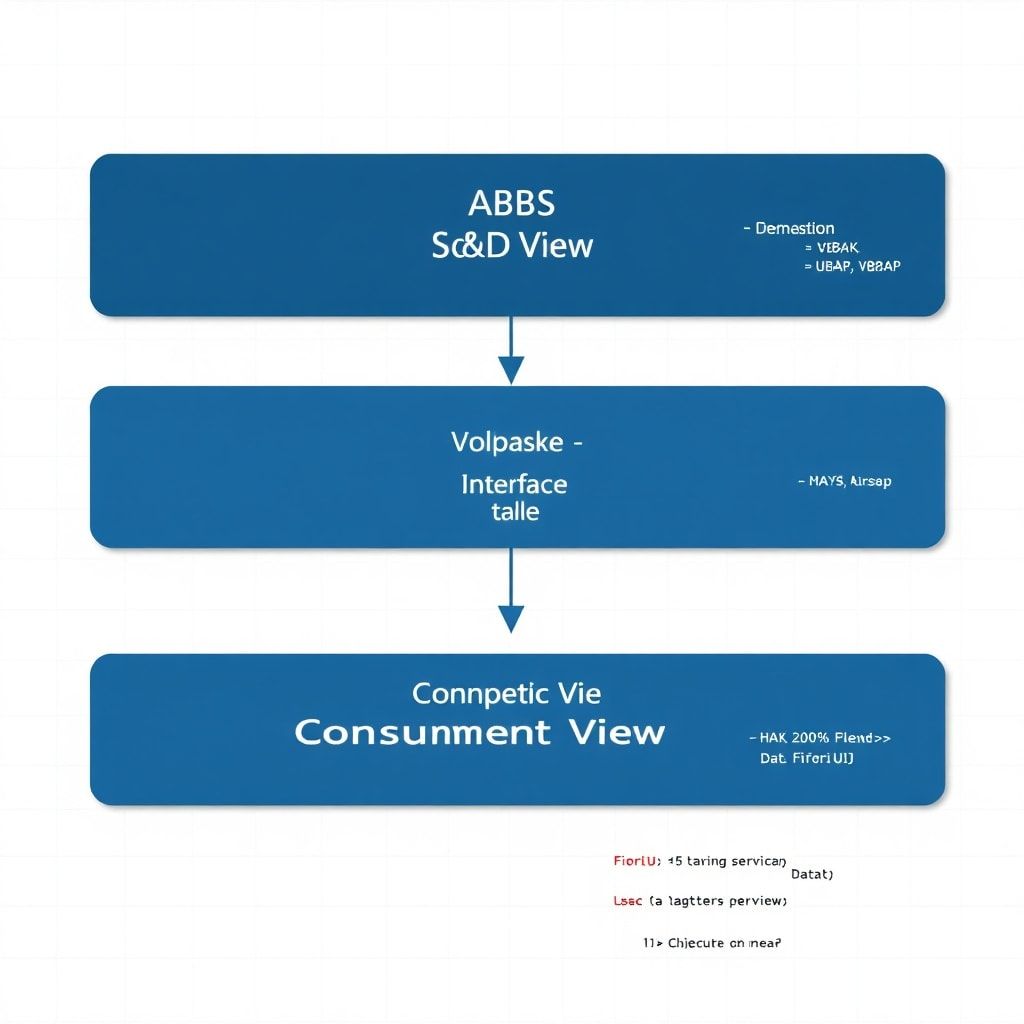
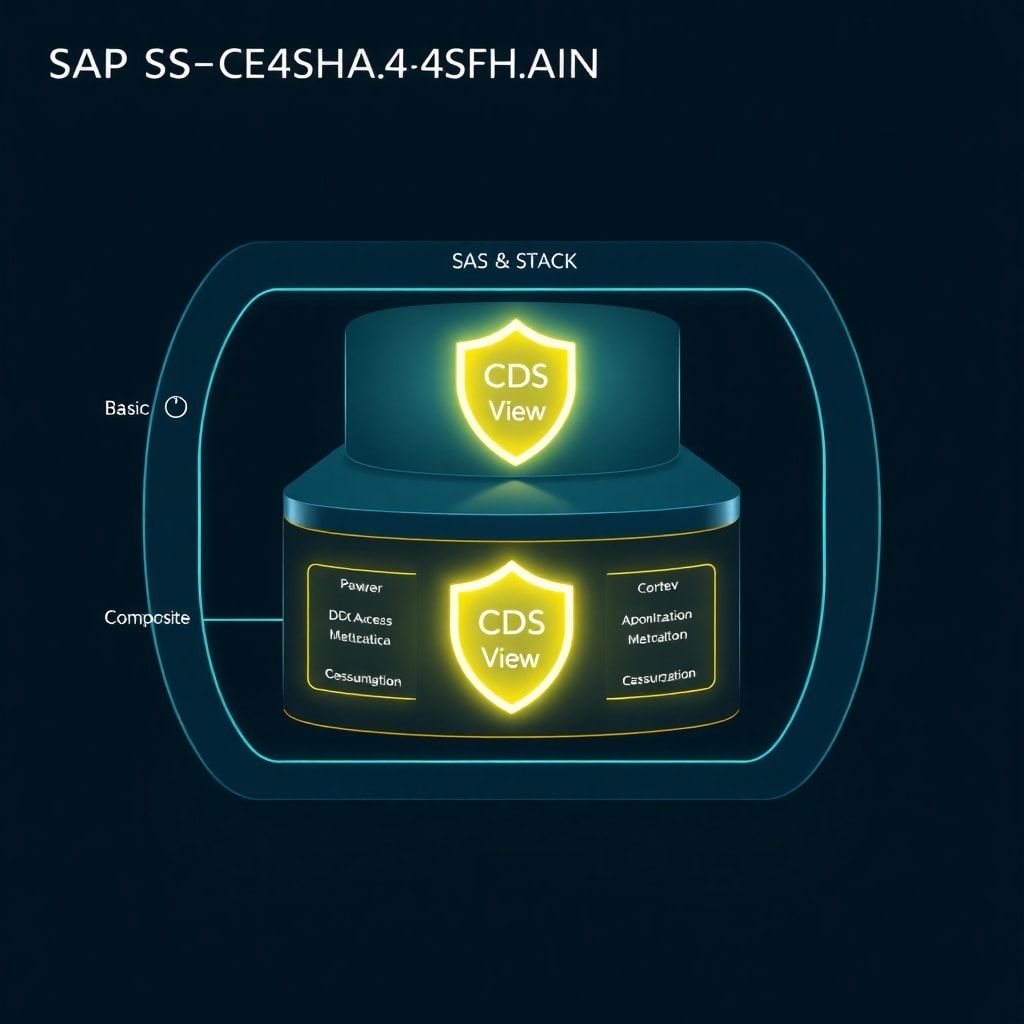
Here’s something that trips up a lot of teams: when you stack CDS views (basic → composite → consumption), the DCL from the base view is inherited automatically if @AccessControl.authorizationCheck: #CHECK is set at each layer. But the behavior depends on how you configure it:
#CHECK— Full DCL check applied#PRIVILEGED_ONLY— Only privileged access (bypasses user authorization; use in technical scenarios where you’ve already verified authorization)#NOT_REQUIRED— No check (dangerous in production; only for prototyping)
My rule of thumb: use #CHECK everywhere, and only downgrade with a documented and reviewed justification.
Practical Patterns: Authorization by Sales Organization
Let me share a pattern I’ve implemented across multiple S/4HANA rollouts. In sales scenarios, users often need to see data only for their assigned sales organizations. Here’s how to implement this cleanly:
-- Step 1: Add SalesOrganization to your CDS view
define view entity ZCE_SalesOrders
  as select from vbak
    inner join vbap on vbak.vbeln = vbap.vbeln
{
  key vbak.vbeln as SalesOrder,
      vbak.vkorg as SalesOrganization,  -- Required for DCL filter
      vbak.kunnr as SoldToParty,
      vbak.netwr as NetValue,
      vbak.waerk as Currency
}
-- Step 2: Create the DCL access control
@MappingRole: true
define role ZCE_SalesOrders_Access
{
  grant select on ZCE_SalesOrders
    where (SalesOrganization) = aspect pfcg_auth(V_VBAK_VKO, VKORG, ACTVT = '03');
}
After this is activated, any user querying this view — through a Fiori app, an OData call, or even a direct ABAP SELECT — will only see sales orders for their authorized sales organizations. Zero additional code required in the application layer.
Common Pitfalls and How to Avoid Them
Pitfall 1: Forgetting to Activate DCL
DCL objects must be activated just like any other CDS object. A common mistake is creating the DCL file but forgetting to run mass activation after transport. Always include DCL objects in your transport requests explicitly.
Pitfall 2: Performance Impact of DCL
DCL conditions are appended to the WHERE clause at runtime. If the filtered column is not indexed, this will cause full table scans. Always ensure that the field used in your DCL condition has a corresponding database index. I cover indexing strategy in detail in Part 3: Performance Optimization.
Pitfall 3: Mixing DCL with AUTHORITY-CHECK in ABAP
Don’t double-check. If your CDS view has DCL, don’t also add AUTHORITY-CHECK for the same object in the ABAP layer. It’s redundant, increases maintenance complexity, and can cause confusion about where the authoritative check lives. Pick one approach and stick with it — for CDS-based applications, DCL is the right choice.
Pitfall 4: Testing DCL During Development
Use transaction SACM (Access Control Management) to check what DCL is applied to a view. For testing, you can temporarily switch @AccessControl.authorizationCheck to #NOT_REQUIRED in a development system, but always revert before transport to quality assurance.
Putting It All Together: Architecture Checklist
Before you push your next CDS view to production, run through this checklist:
- ✅
@AccessControl.authorizationCheck: #CHECKset on all views in the stack - ✅ DCL artifact created and activated for consumption and composite views
- ✅
@Semanticsannotations applied to all currency and quantity fields - ✅
@VDM.viewTypecorrectly reflects the view’s position in the architecture - ✅ UI annotations moved to Metadata Extensions (not embedded in the CDS view)
- ✅ DCL filter fields are indexed in the database
- ✅
@AbapCatalog.preserveKey: trueset on composite and consumption views - ✅ Associations exposed with proper cardinality declarations
What’s Coming in Part 5
In the next part of this series, we’ll explore CDS table functions and hierarchy views — two of the most underutilized CDS features in real-world SAP projects. Table functions let you push complex business logic into the database layer using AMDP, and hierarchy views unlock recursive data structures (like organizational hierarchies and product classification trees) with a single CDS definition.
If you’re also building custom Fiori apps on top of your CDS views, you’ll want to read our deep dive on the ABAP RESTful Application Programming Model (RAP) — it ties directly into everything we’ve built in this series.
Conclusion
CDS annotations and access control aren’t optional extras — they’re fundamental to building enterprise-grade data models in SAP S/4HANA. Getting annotations right means your views integrate cleanly with Fiori, OData, and analytics without friction. Getting DCL right means your data is protected at the infrastructure level, not just at the application layer.
The patterns in this article have been battle-tested across multiple S/4HANA greenfield and migration projects. Use the checklist, apply DCL consistently, and keep your UI concerns in Metadata Extensions. Your future self — and your security auditors — will thank you.
Have questions about a specific annotation or a DCL scenario you’re wrestling with? Drop them in the comments below. And if your team is dealing with complex authorization requirements across multiple CDS views, I’d love to hear how you’re handling it.